Animation using Google Slides

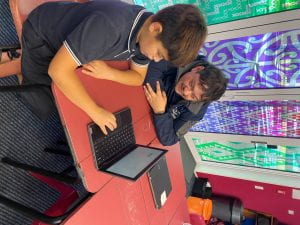
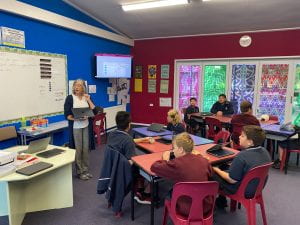
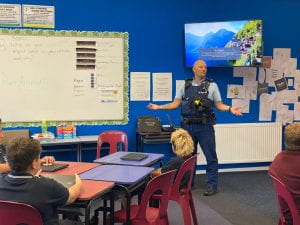
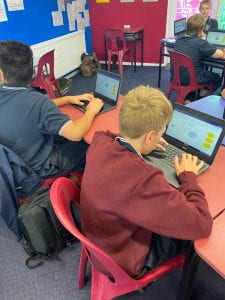
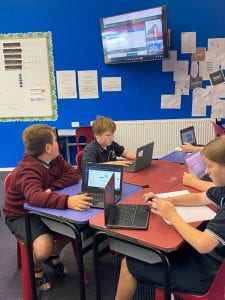
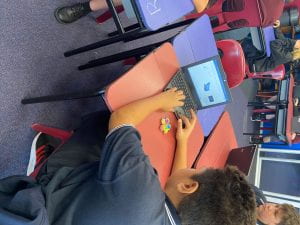
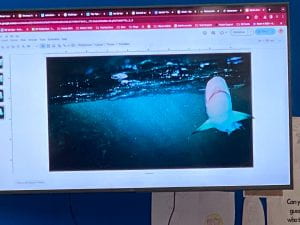
We were very lucky to have Maria Krausse from Manaiakalani facilitate our ICF session in person today. She taught us how to use google slides to create an animation. This involved duplicating a slide and image on the slide and moving the image slightly on every slide so when the slides were played, the images moved.

We have been remembering to name our documents with our name or initials first e.g. Maria Animation, and file them in our correct google drive folder. The animation goes in our cybersmart folder.
Manaiakalani In Class Facilitation (ICF)

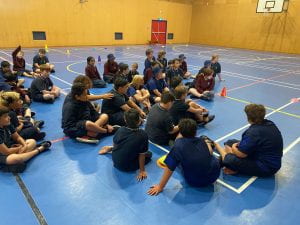
Each week room one is involved in ‘In Class Facilitation’. Our facilitator is Maria Krausse and our workshops are usually online, however from time to time she visits us at Rutherford Junior High School.

The combined elements of this programme are designed to support all Manaiakalani learners to understand the power of belonging to connected learning networks, and to develop the competencies to participate in respectful and positive sharing in the digital world.

Hello world!

Welcome to your brand new blog – a space to share your learning journey.

To get started, simply visit your blog’s dashboard, edit or delete this post and check out all the other options available to you.

Like more help?

We can walk you through step-by-step in our guide to getting started with your blog.

You can see what other learners are sharing on their blogs here.

Happy blogging!